
Site Lock
A Manifest V3 browser extension that puts a master password in front of the sites that steal your focus — rules, hashing and history all stay on the device.
Overview
What is Site Lock
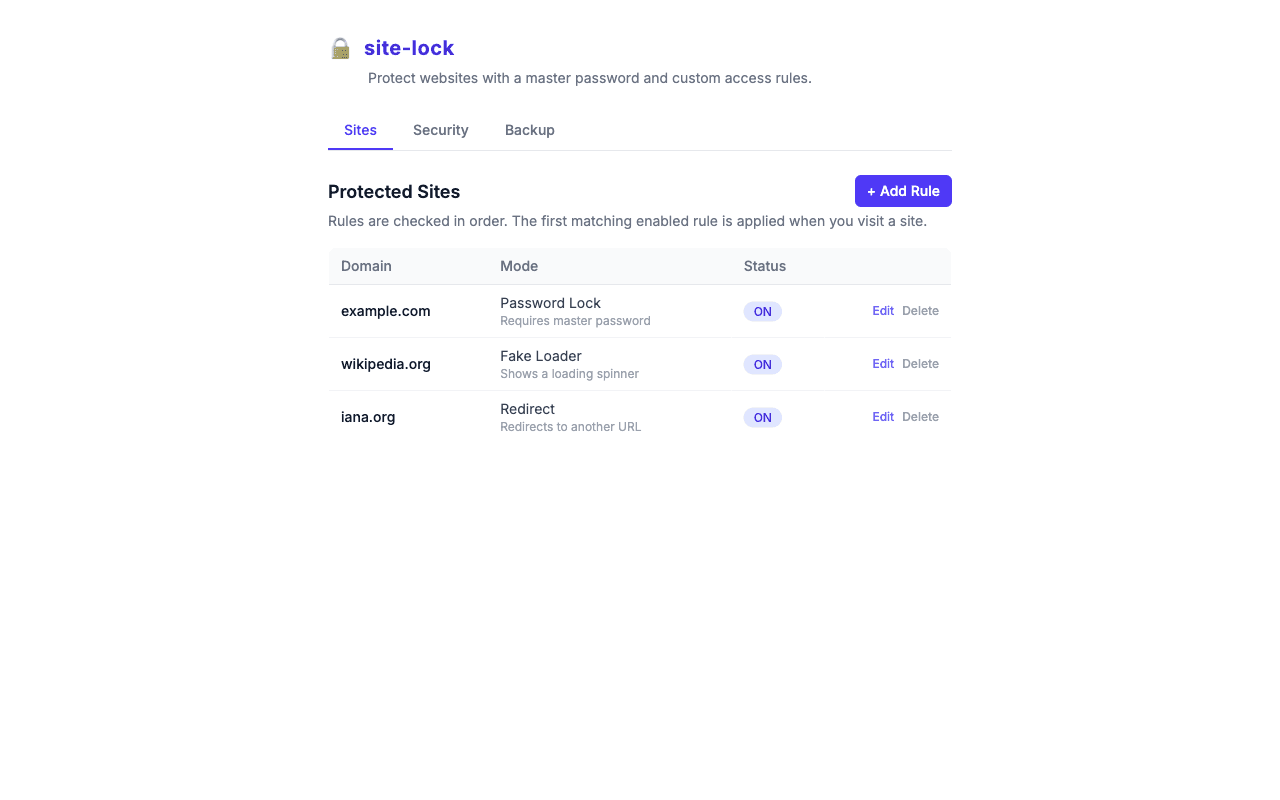
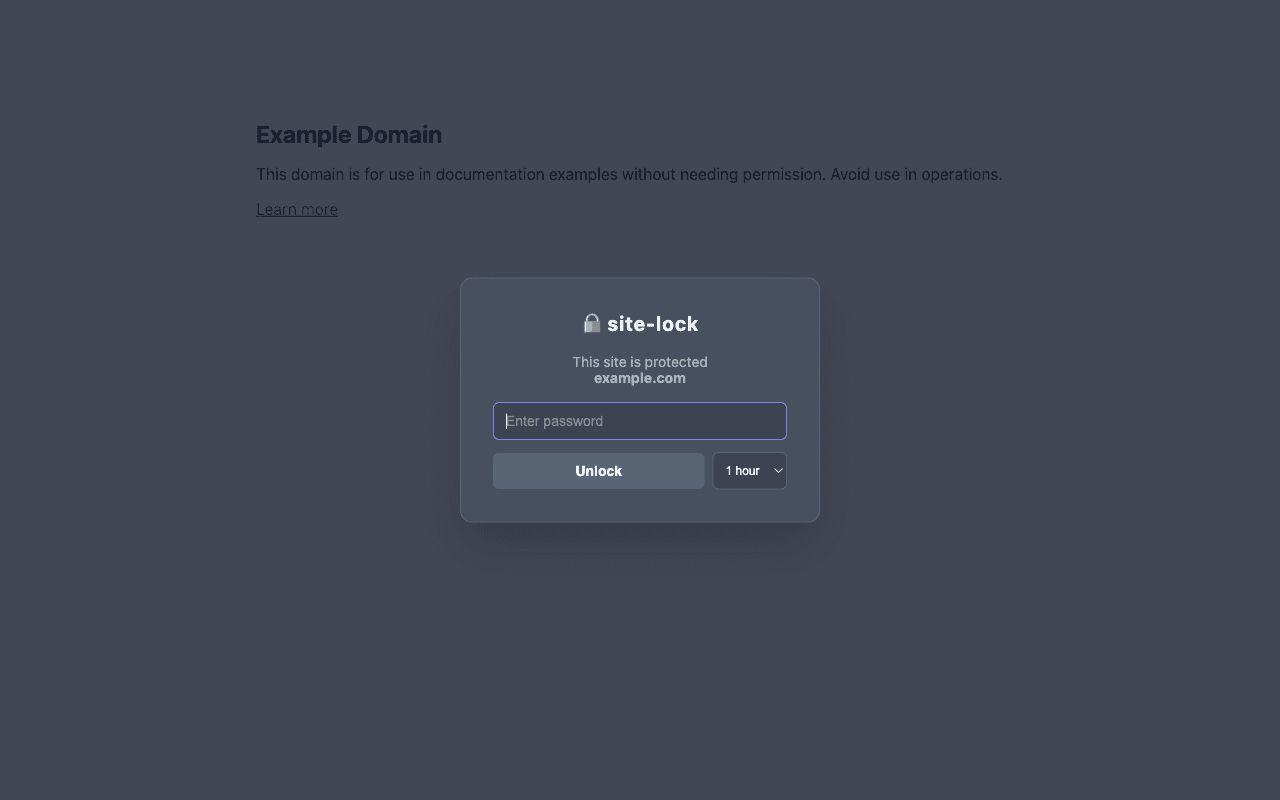
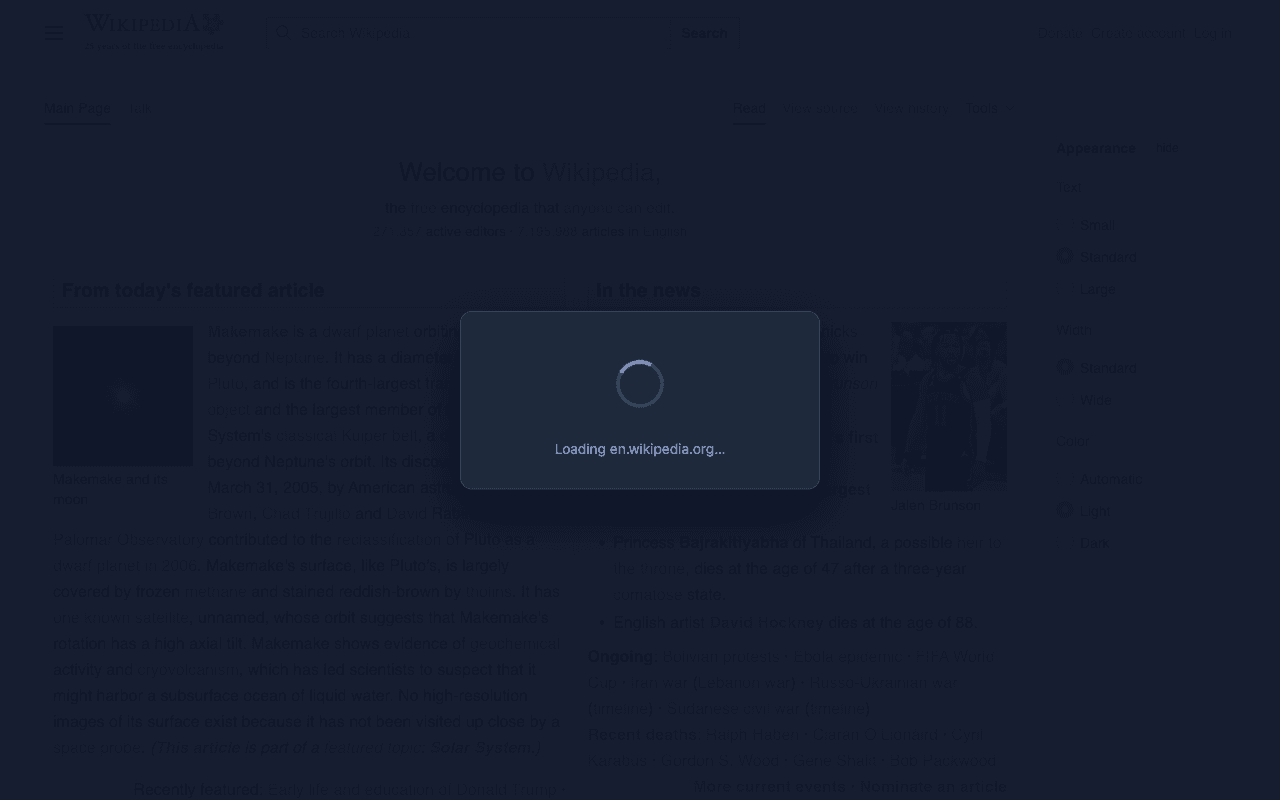
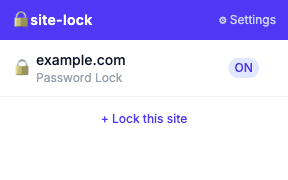
Site Lock is a Manifest V3 browser extension that puts a master password in front of the sites that steal your focus. Five block modes per site — a password overlay, a redirect, closing the tab, a fake loader or a convincing error page — with rules, the bcrypt-hashed password and all history kept in the browser profile. No server anywhere.
- Role
- Creator & maintainer — designed and built the extension, the marketing site and the test suites.
- Platform
- Chrome · Manifest V3
- Stack
- TypeScript · React · Vite · CRXJS · bcryptjs
- Tests
- 44 unit · 28 Playwright e2e
- Status
- Chrome Web Store · v1.0.0
- Store
- Chrome Web Store
Contribution
What I built
- 01Designed five block modes per site — password overlay, redirect, close tab, fake loader, and a browser-style error page picked from nine Chrome and Cloudflare templates.
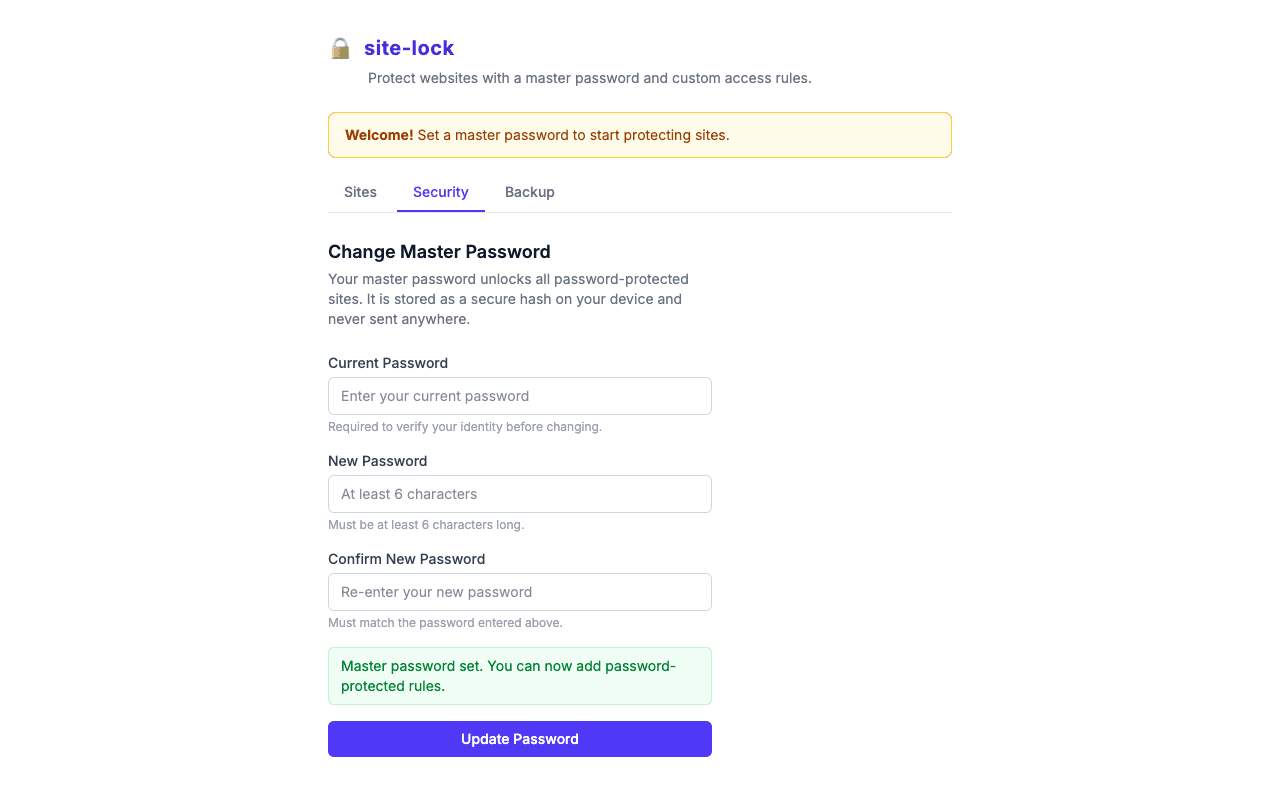
- 02Kept it zero-server: the master password exists only as a bcrypt hash, rules and that hash ride the profile's sync storage, and logs, sessions and settings never leave the device.
- 03Chose two interception points: redirects are stopped before the page loads, every other mode at navigation commit, with the overlay mounted at document_start inside a closed shadow root the page cannot touch.
- 04Added the safety valves: timed unlocks (5 / 30 / 60 minutes or today), an optional WebAuthn gate on changing the master password, and scheduled backups that work inside MV3's alarm + downloads constraints and exclude the hash.
- 05Tested it like a product: 44 Vitest unit specs plus 28 Playwright end-to-end specs that launch a persistent Chrome with the unpacked build loaded.
Screens
How it works
How the data moves
The core paths through the system — a dot travels each hop, and the caption says what happens there.
Opening a locked site
The service worker decides at commit; the overlay asks for the password inside a closed shadow root.
Swipe sideways to see the whole chart.
GET siteYou open a site in the top frame.
From the code
A few lines that matter
import * as bcrypt from 'bcryptjs'

const ROUNDS = 10

export async function hashPassword(password: string): Promise<string> {
  return bcrypt.hash(password, ROUNDS)
}

export async function verifyPassword(password: string, hash: string): Promise<boolean> {
  return bcrypt.compare(password, hash)
}
Only the bcrypt hash is stored; the overlay compares against it locally.
chrome.webNavigation.onCommitted.addListener(async ({ tabId, url, frameId }) => {
  if (frameId !== 0) return
  if (!url.startsWith('http://') && !url.startsWith('https://')) return

  const hostname = new URL(url).hostname
  await deleteExpiredSessions()

  const rules = await getAllRules()
  // Skip redirect rules — handled by onBeforeNavigate
  const rule = rules.find(r => r.enabled && r.mode !== 'redirect' && matchesDomain(hostname, r.domain))
  if (!rule) return

  const session = await getActiveSession(rule.id)
  if (session) return

  await addLog({ ruleId: rule.id, domain: hostname, mode: rule.mode, event: 'blocked' })
  // …then lock the tab according to rule.mode
Top frame only, expired sessions swept first, active unlocks respected, every block logged locally.
Decisions
Calls that shaped it
On-device only, no backend at all
A site blocker sees every URL you visit; the only trustworthy version of that is one with nothing to send it to.
bcrypt inside the extension, verified in the overlay
The hash is compared where the prompt lives, so the password is never stored or shipped anywhere.
Two interception points, chosen per block mode
Redirects must happen before the page loads; overlays need a document — so each mode hooks the earliest point that can do its job.
Playwright with a persistent context
Extensions only load into a persistent profile, so the e2e suite drives real Chrome with the unpacked build — the same thing users install.
Stack
- TypeScript
- React 19
- Vite
- CRXJS
- Chrome Manifest V3
- bcryptjs
- Tailwind CSS
- Playwright
- Vitest
- Next.js