
Kanso
A calm, local-first Markdown notes app in Rust — with sync the server can't read, and notes you can lock with their own password.
Overview
What is Kanso
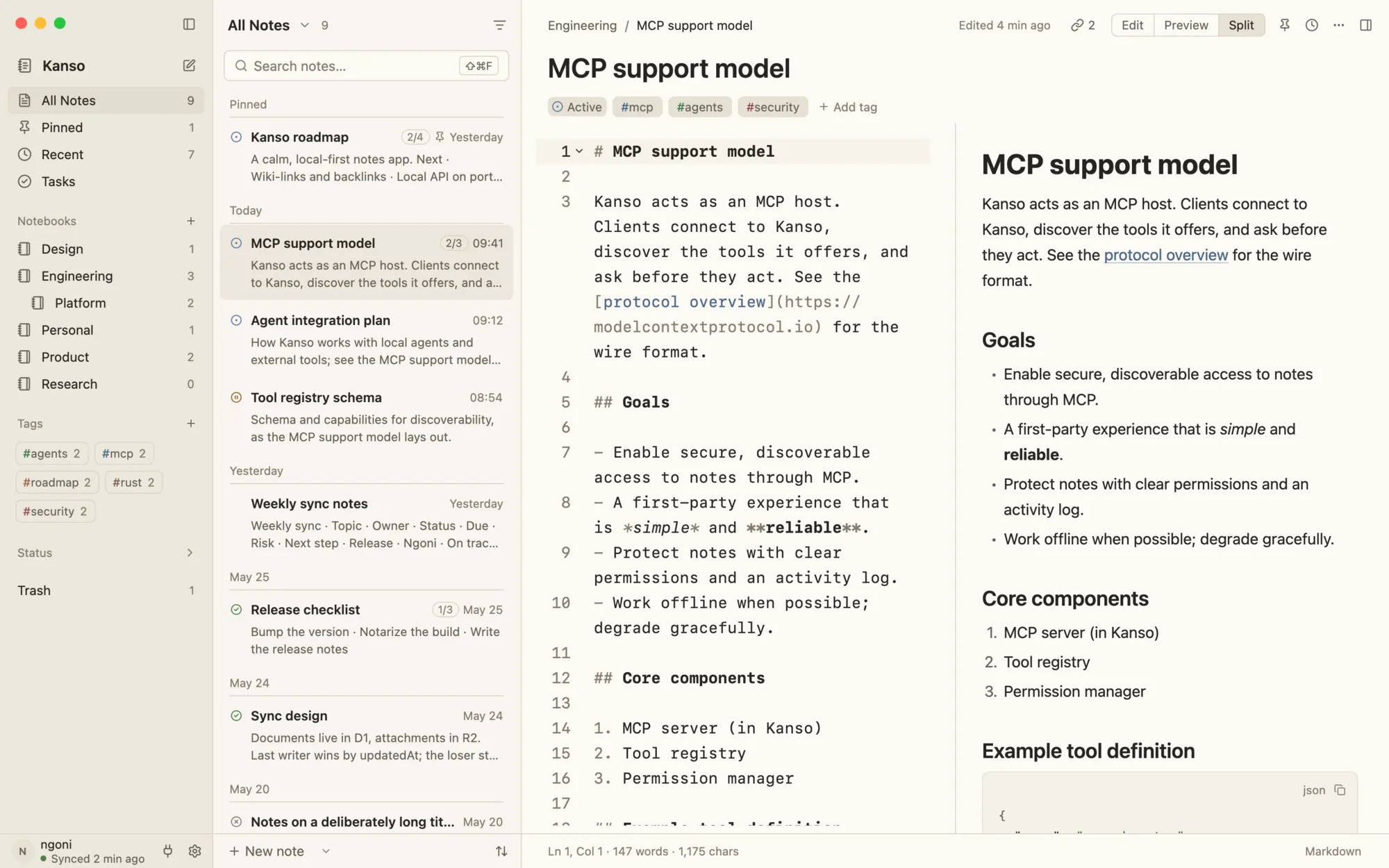
Kanso is a local-first Markdown notes app for macOS, Windows and Linux, written in Rust on GPUI: wiki-links and backlinks, tasks with due dates, on-device dictation, version history, and end-to-end encrypted sync through a Cloudflare Worker that only ever holds ciphertext. It is Ngonidzashe Mangudya's project (AGPL-3.0); it also exposes your notes to AI agents through a local REST and MCP API, on your terms.
- Role
- Open-source contributor — I built locked notes (sealed on the device and through sync), Touch ID unlock, and the notebook accordion, icon picker and colour washes. The product and its architecture are the creator's work.
- Created by
- Ngonidzashe Mangudya
- Platform
- macOS · Windows · Linux
- Stack
- Rust · GPUI · SQLite · Cloudflare Workers · D1 · R2
- Crypto
- Argon2id · XChaCha20-Poly1305 · AES-256-GCM
- Status
- v0.8.4 · AGPL-3.0 · signed auto-updates
- Web
- kansoapp.app
The project
What it does
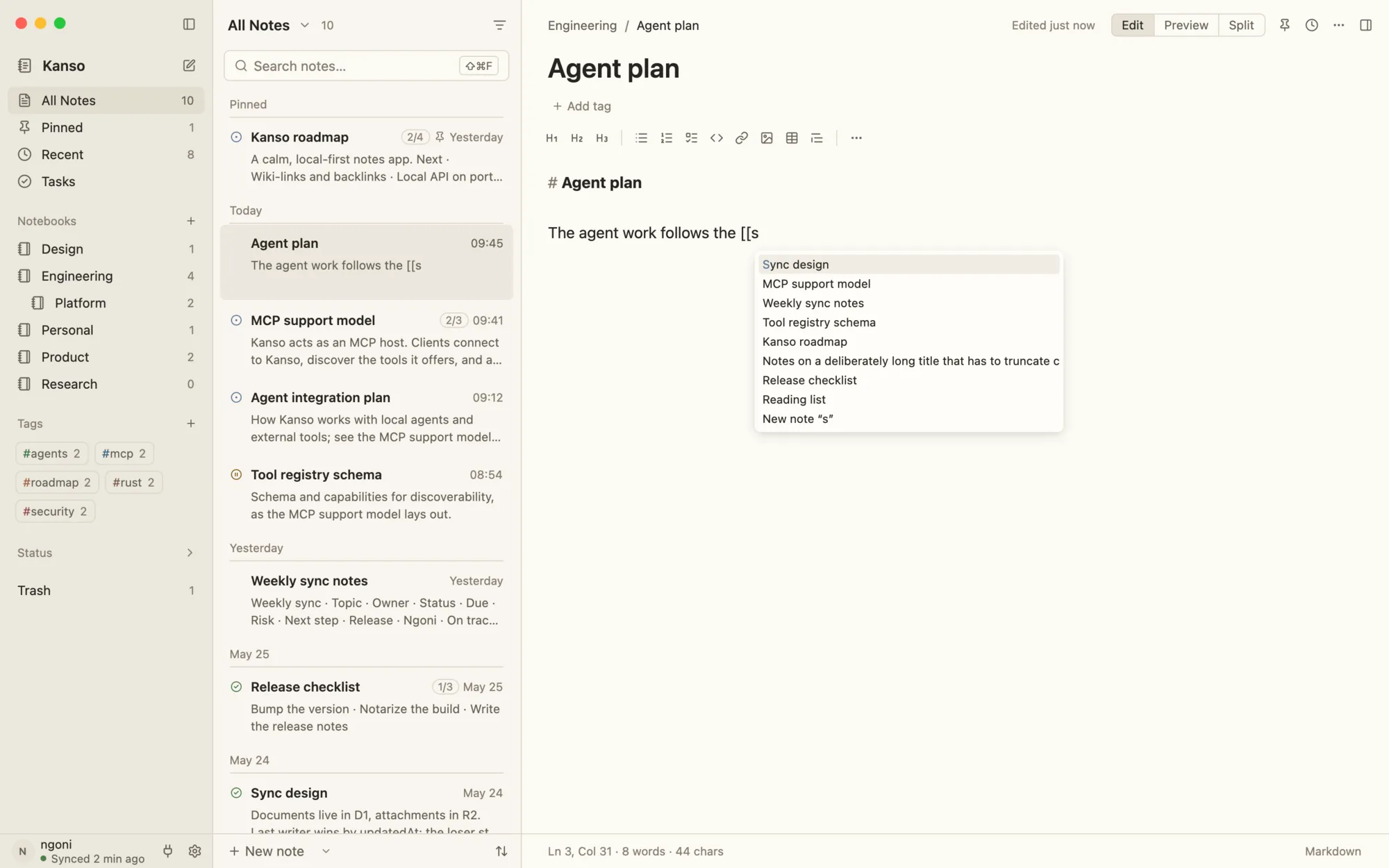
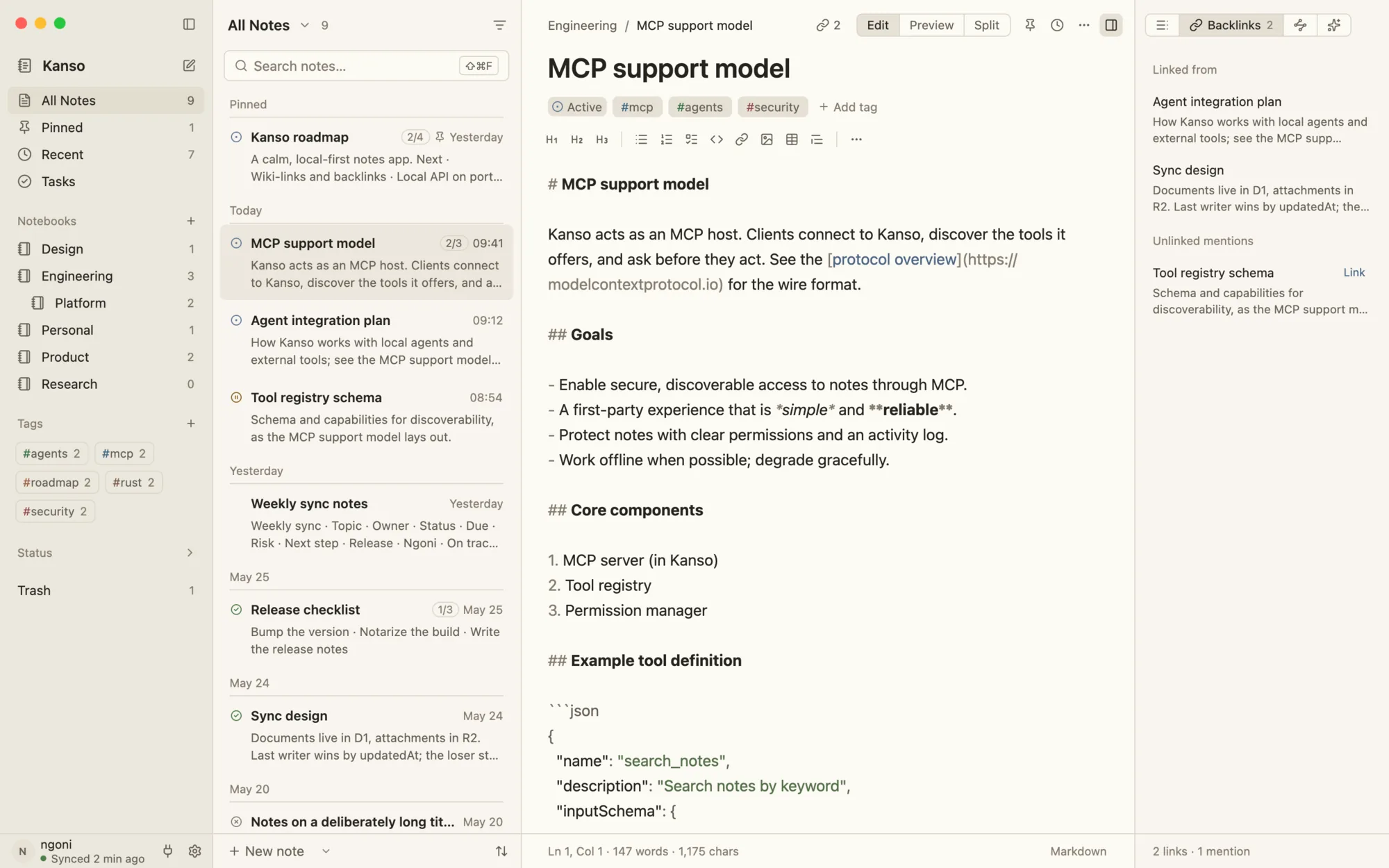
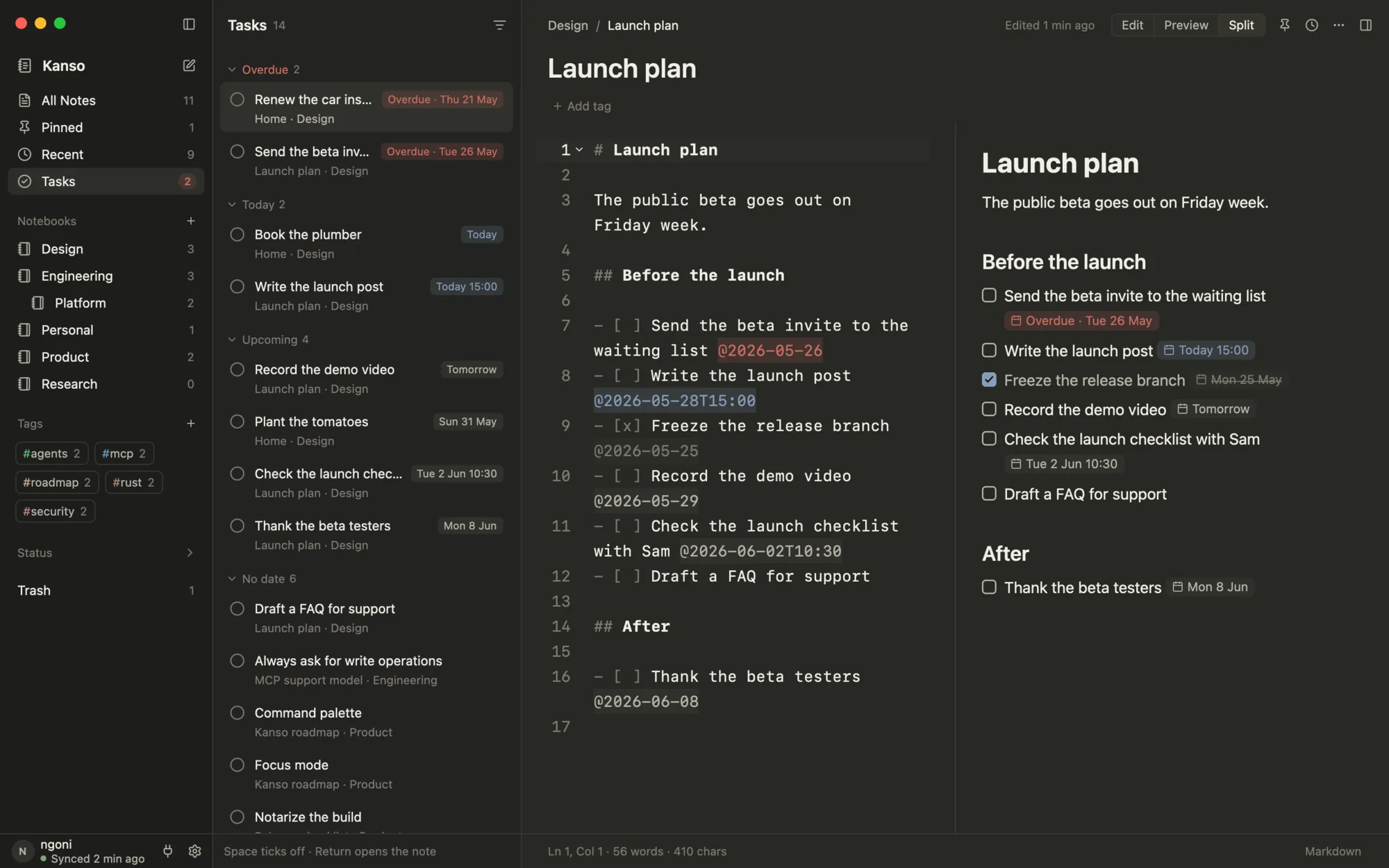
- 01Writing that stays out of the way: Markdown pairs and continues as you type, [[wiki-links]] autocomplete into backlinks and unlinked mentions, - [ ] task @2026-10-25 becomes a dated task with reminders, and the mic dictates into the cursor with NVIDIA's Parakeet model running on the CPU — nothing leaves the device.
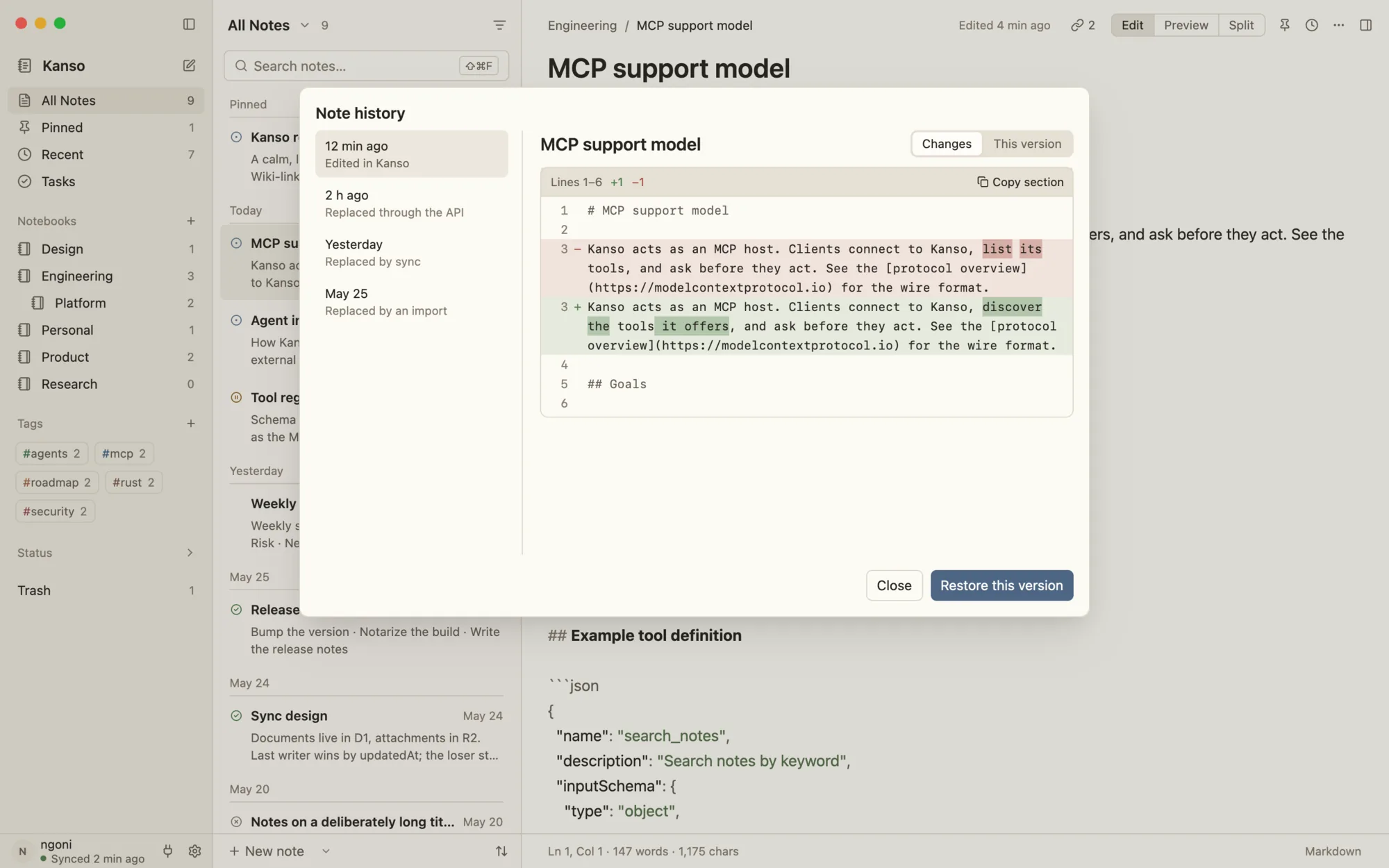
- 02A SQLite library with trigram full-text search, every replaced version kept in history (whether the edit came from you, the API, sync or an import) and a daily backup kept for two weeks.
- 03Sync where the server is blind: notes, titles, IDs and attachments are sealed with XChaCha20-Poly1305 under keys derived from an Argon2id master key that never leaves the device; a Worker stores ciphertext in D1 and R2, and on a conflict the newer edit wins while the loser stays in the note's history.
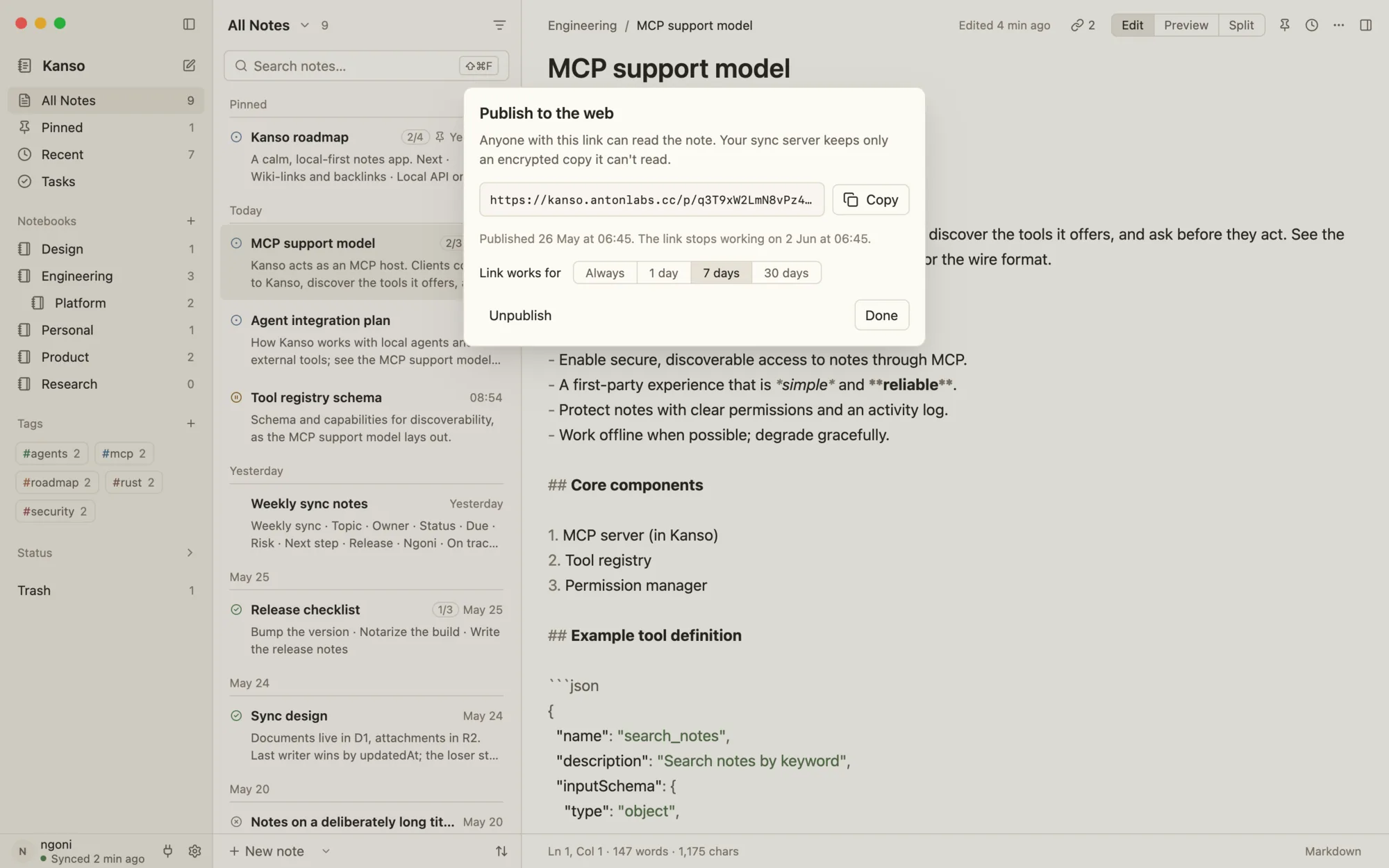
- 04Publishing as an encrypted link: the page is sealed with its own AES-256-GCM key and the key rides in the URL fragment, which browsers never send — the server keeps a copy it cannot read.
- 05Agents on a short leash: a local REST API compatible with Inkdrop's plus a native MCP endpoint on port 19840, short-lived tokens scoped to chosen notebooks, and suggested edits that wait in a review queue for Apply. Locked, trashed and #ai-exclude notes are never sent.
- 06Locked notes (my contribution): a note sealed with its own password — Argon2id at 256 MiB into XChaCha20-Poly1305, bound to the note's ID — whose plaintext history is erased on lock, which travels through sync unchanged and opens on any device with the same password, or with Touch ID on a Mac.
Screens
How it works
How the data moves
The core paths through the system — a dot travels each hop, and the caption says what happens there.
Lock a note, open it on another device
The password never leaves your head; the note travels sealed twice over.
Swipe sideways to see the whole chart.
Lock note…You choose Lock note… from the palette or the Note menu.
From the code
A few lines that matter
fn seal_with_nonce(&self, note_id: &str, body: &str, nonce: &[u8; NONCE_LEN]) -> Envelope {
    let plaintext = Zeroizing::new(
        serde_json::to_vec(&Sealed {
            body: body.to_owned(),
        })
        .expect("a string serializes"),
    );
    Envelope {
        v: FORMAT_V1,
        salt: b64(&self.salt),
        m: self.params.m_kib,
        t: self.params.t,
        p: self.params.p,
        data: b64(&seal_raw(&self.key, nonce, &aad(note_id), &plaintext)),
    }
}
The envelope carries its own salt and Argon2 cost, and the note ID is bound in as associated data — a sealed body can't be moved onto another note.
pub fn parse_hex(text: &str) -> Option<u32> {
    let text = text.trim();
    let digits = text.strip_prefix('#').unwrap_or(text);
    if !digits.chars().all(|c| c.is_ascii_hexdigit()) {
        return None;
    }
    let value = u32::from_str_radix(digits, 16).ok()?;
    match digits.len() {
        6 => Some(value),
        // Each digit doubled: `#fa0` is `#ffaa00`.
        3 => {
            let (r, g, b) = ((value >> 8) & xf, (value >> 4) & xf, value & xf);
            Some(((r * x11) << 16) | ((g * x11) << 8) | (b * x11))
        }
        _ => None,
    }
}
Typed hex, a swatch or the picker all end as one #rrggbb stored on the notebook, which syncs with it.
Decisions
Calls that shaped it
Seal locked notes inside the note, not beside it
The envelope — salt, Argon2 parameters, ciphertext — lives in the note's own extra.kansoLock field, so sync carries it with no protocol change and another device derives the same key from the same password.
Erase the plaintext when a note is locked
Locking drops earlier versions and the note's embedding in the same transaction, and SQLite's secure_delete overwrites the freed pages — a test scans the database and WAL for the old text.
Touch ID stores keys, never the password
The derived lock keys go in the login Keychain behind a biometric prompt, with the password as the fallback — and the README says plainly that this guards against someone at your unlocked Mac, not software running as you.
Notebook looks are just synced fields
A notebook's icon is a Lucide name in kansoIcon and its colour a hex in kansoColor, written in one document update — so they sync end to end like any note, with no new server schema.
Stack
- Rust
- GPUI
- SQLite
- Cloudflare Workers
- D1
- R2
- Argon2id
- XChaCha20-Poly1305
- MCP