
Pushlog
A push-up training app that turns a longer-term goal into one clear action today — camera-counted reps, an honest ledger, and friends one rep behind.
Overview
What is Pushlog
Pushlog is a push-up training app for iOS and Android that turns a long-term goal into one clear action today: an adjustable plan, fast daily logging, camera-counted sessions, and friends who can see exactly one rep ahead of you. It is Ngonidzashe Mangudya's open-source project (MIT), built in Flutter on a Cloudflare Workers + D1 API, with Firebase for identity and push.
- Role
- Open-source contributor — the product and its architecture are the creator's work; I send changes upstream.
- Created by
- Ngonidzashe Mangudya
- Platform
- iOS · Android
- Stack
- Flutter · Cloudflare Workers · D1 · Firebase Auth
- Native
- HealthKit · ARKit · Watch (iOS)
- Status
- v1.1.0 · MIT · dev / staging / prod flavors
- Source
- iamngoni/pushlog
The project
What it does
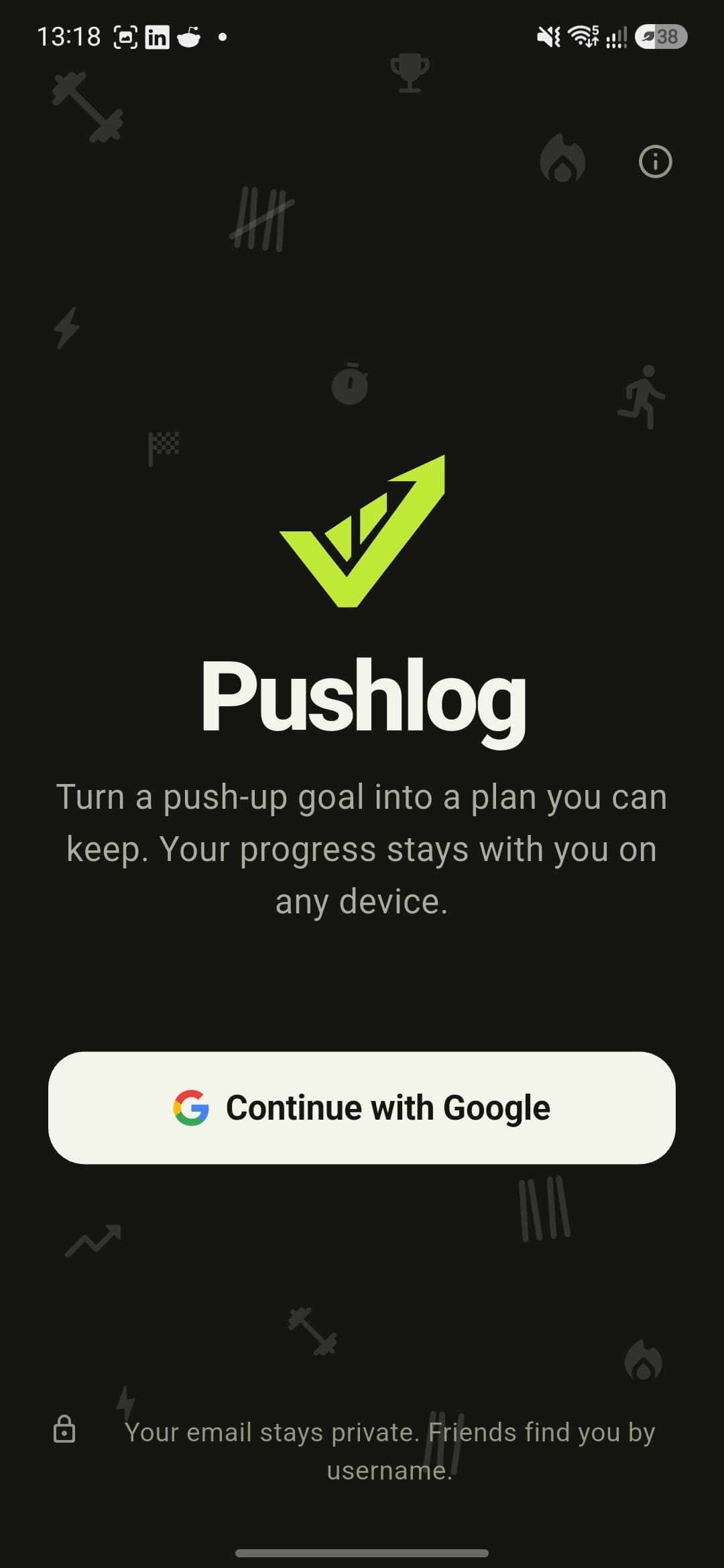
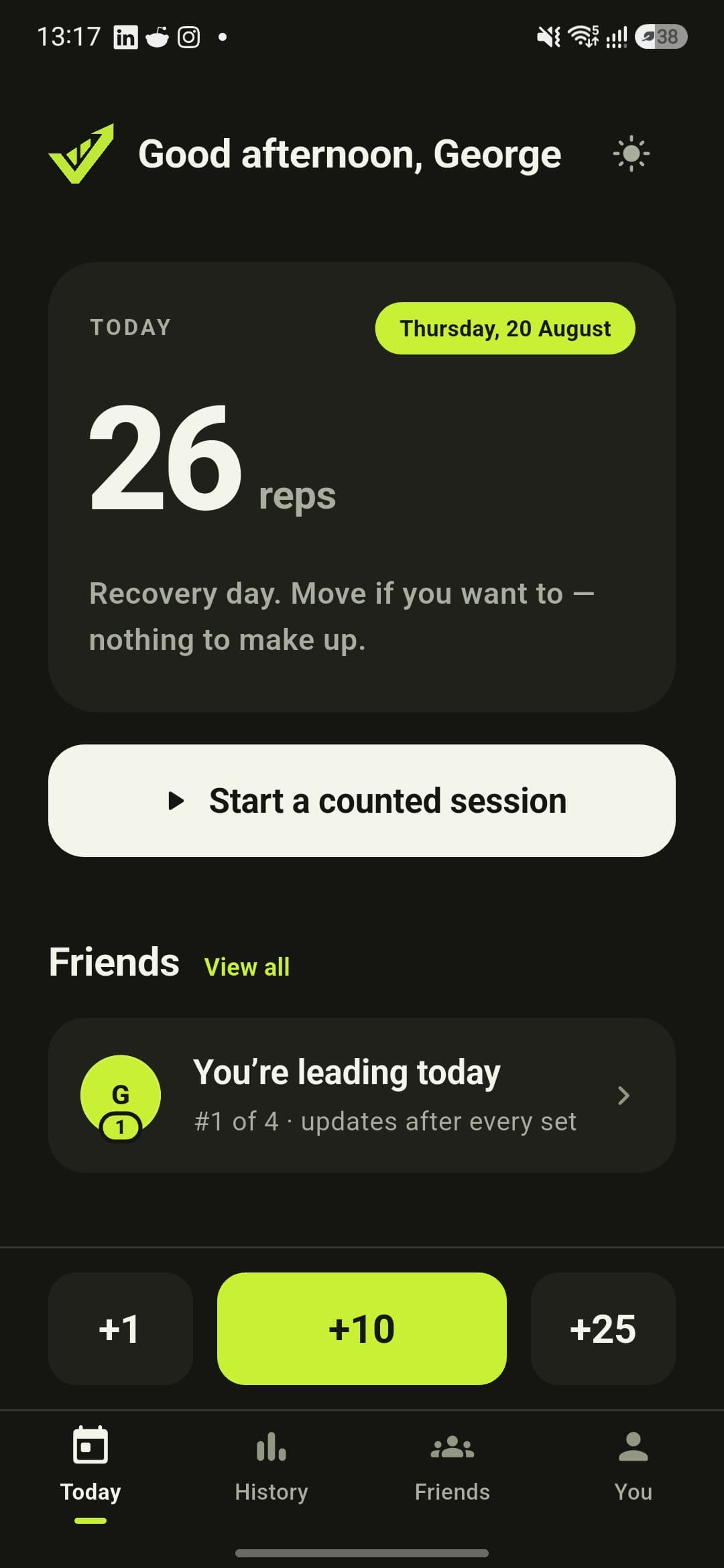
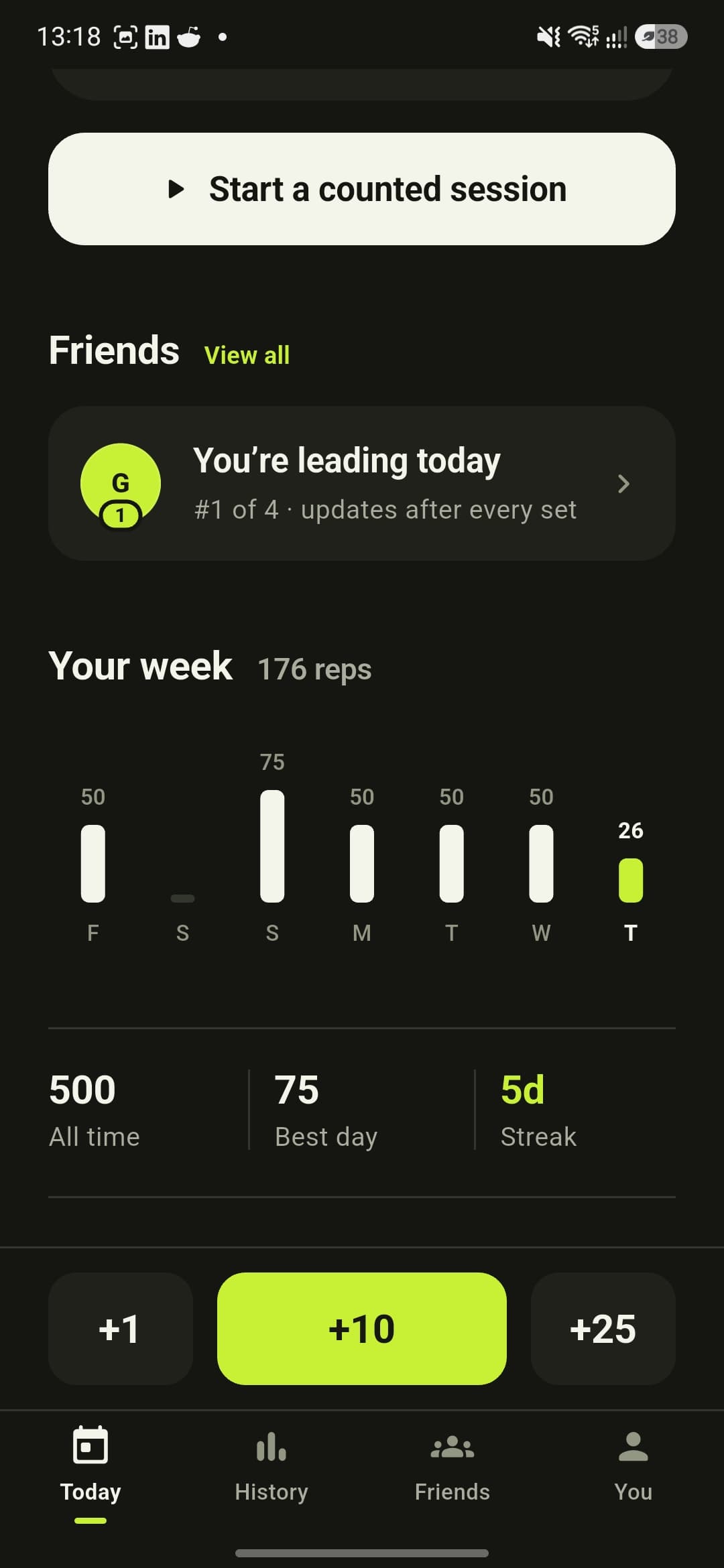
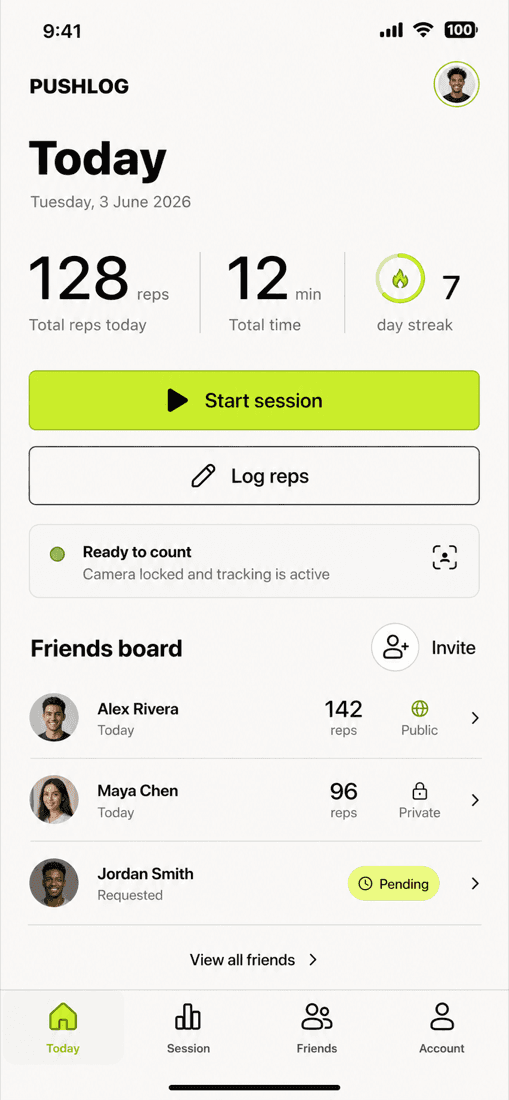
- 01A plan-first loop: onboarding turns a long-term push-up goal into an adjustable 8-, 12- or 16-week plan with planned rest days, a recovery day is honest that there is nothing to make up, and logging is one tap — +1, +10, +25 — or a counted session.
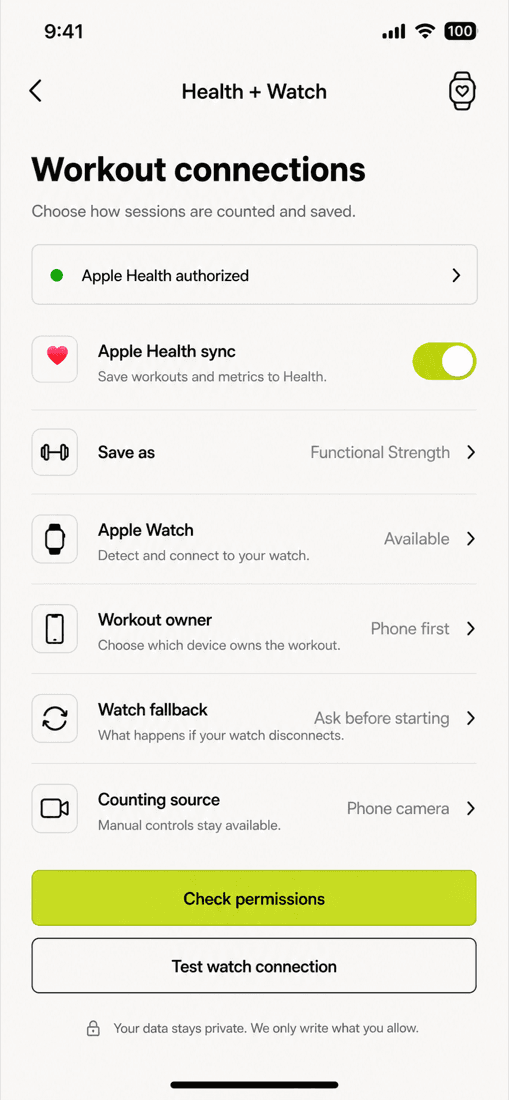
- 02Counted sessions run on an ARKit/TrueDepth bridge that counts reps from the camera and auto-pauses when the face anchor goes stale; manual corrections are recorded separately from tracked reps, and finished sessions land in HealthKit on iOS.
- 03Application data lives behind a Cloudflare Worker on D1 — profiles, usernames, workout snapshots, daily scores, friend graphs and leaderboards — with Firebase kept only for identity and push; Firestore remains as the historical migration source, reconciled against SHA-256 checksums.
- 04The API owns identity: every /v1 route is scoped to the uid inside a Firebase ID token verified against Google's JWKS — a uid in a request body is never trusted.
- 05The friends leaderboard survives flaky push: being overtaken is derived inside the workout write, fanned out with waitUntil and always written to a D1 inbox the app polls — FCM is an optional transport.
- 06Android is honest about the gap: iOS-only camera, HealthKit and watch capabilities report as unavailable rather than faking parity, and manual logging stays first-class on both platforms.
Screens
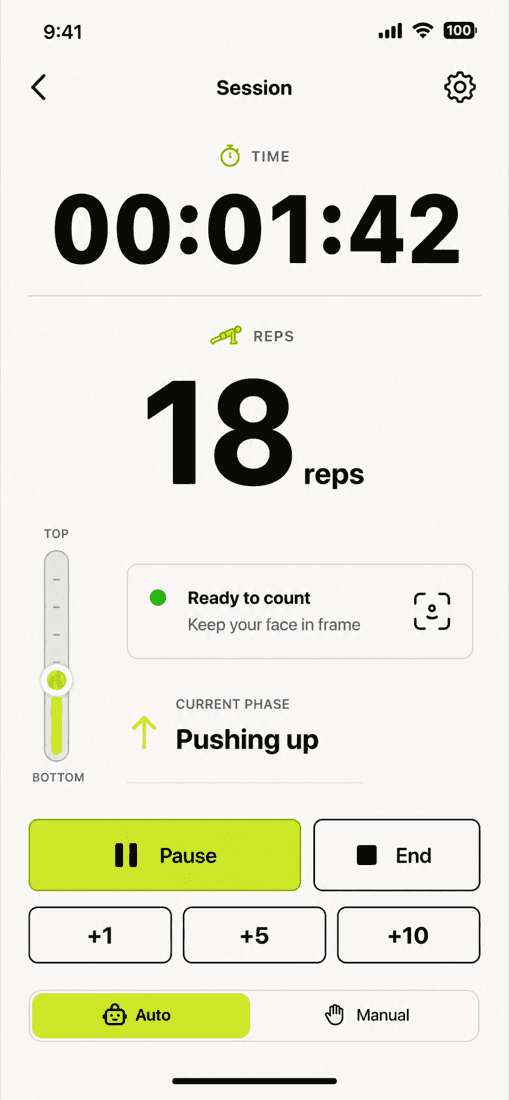
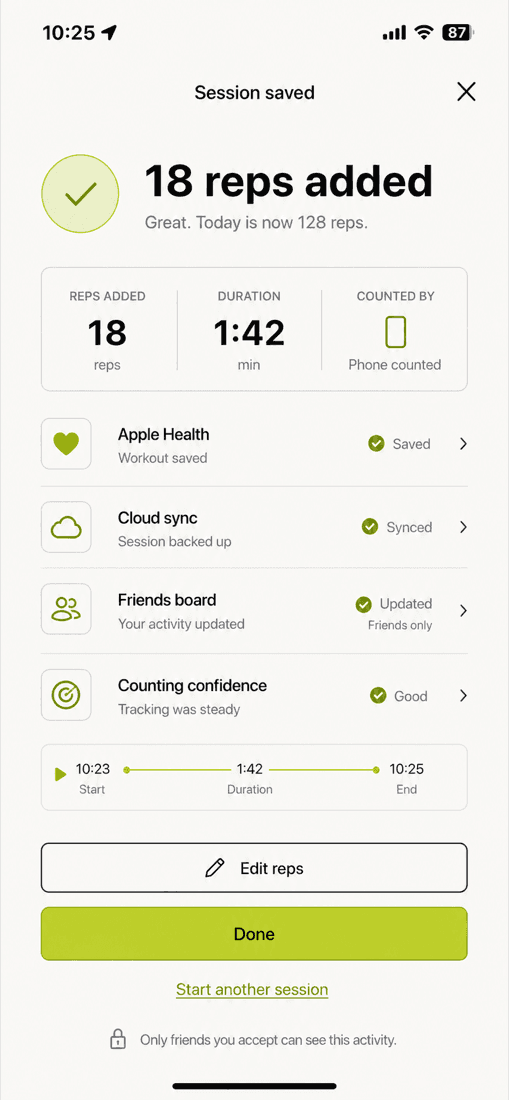
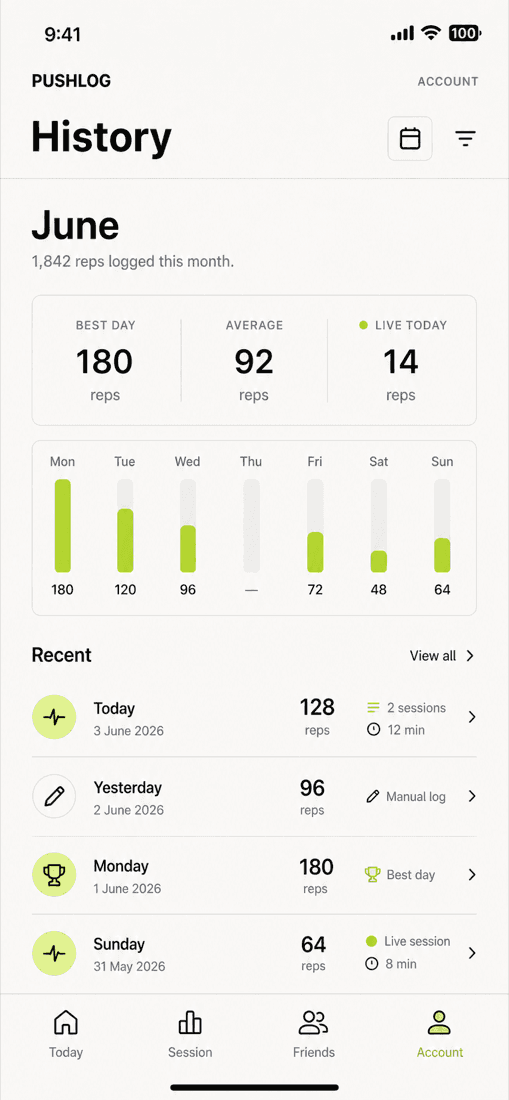
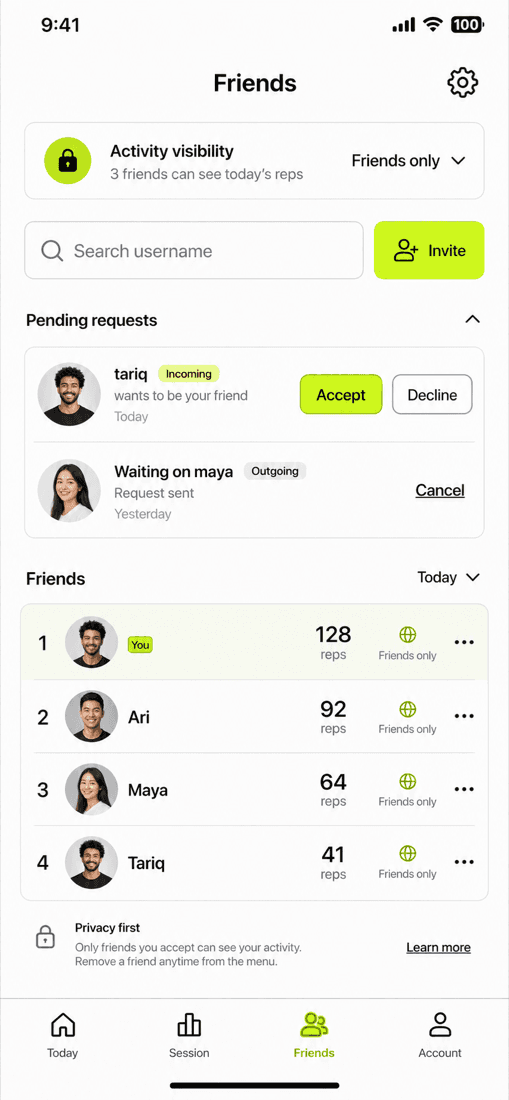
How it works
How the data moves
The core paths through the system — a dot travels each hop, and the caption says what happens there.
A counted session
From tapping start to a synced day — the camera counts, the API only writes what changed.
Swipe sideways to see the whole chart.
tapYou start a counted session from Today.
Decisions
Calls that shaped it
Workers + D1 instead of Firestore
Relational queries for leaderboards and day totals, one schema, a cheap edge runtime — Firestore stays only as the historical migration source.
Sync the whole day snapshot, hashed
The app PUTs its day totals and sessions as one snapshot; the API compares a SHA-256 and only rewrites on change — idempotent, and friendly to patchy connections.
Honest capabilities on Android
iOS-only camera, HealthKit and watch features report as unavailable rather than faking parity; manual logging stays first-class everywhere.
Flutter as the primary client
One codebase replaced the Swift app, which is kept as the reference implementation until every native bridge is verified on real devices.
Stack
- Flutter
- Dart
- Cloudflare Workers
- D1
- Firebase Auth
- FCM
- HealthKit
- ARKit